
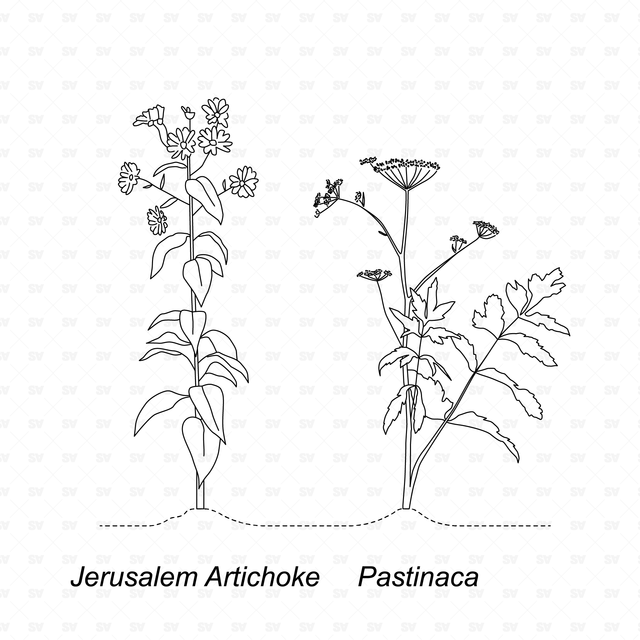
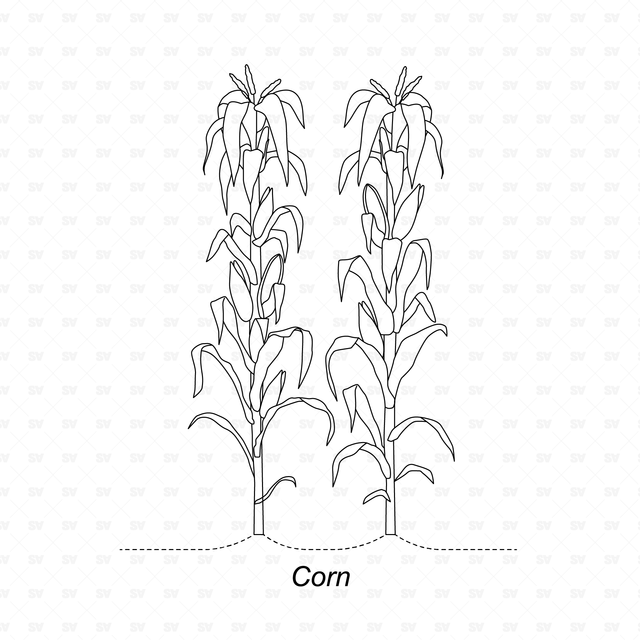
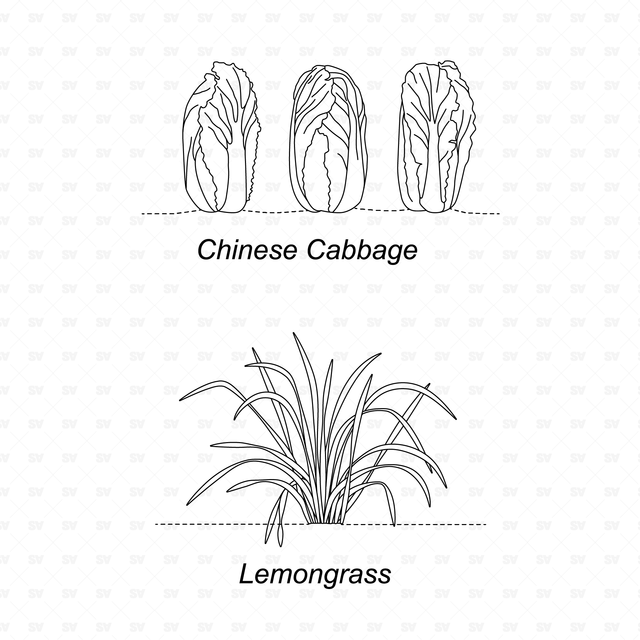
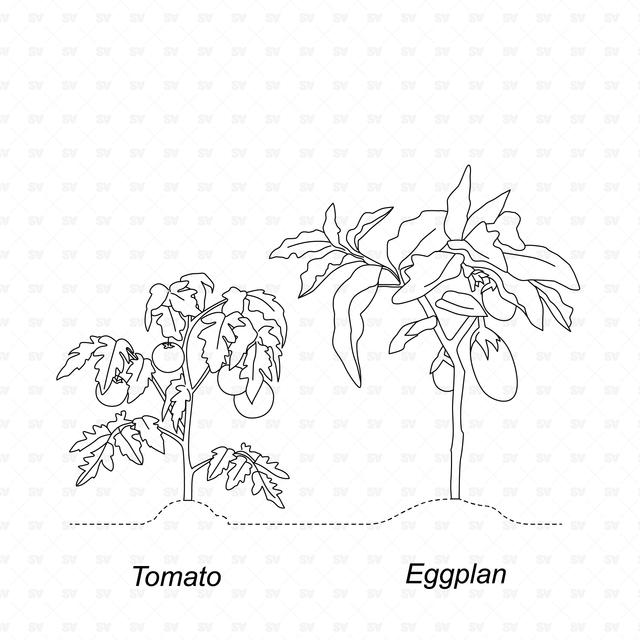
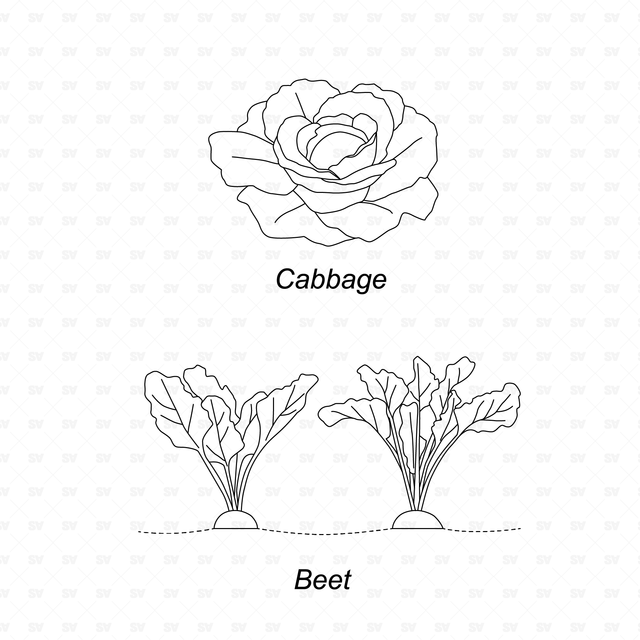
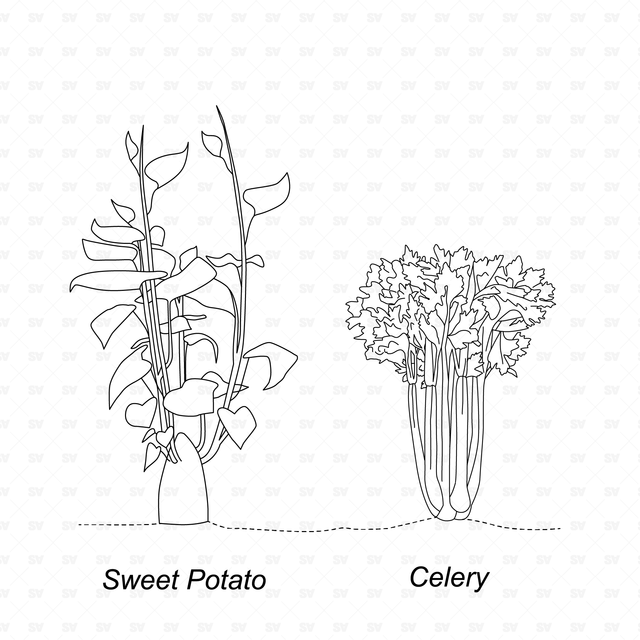
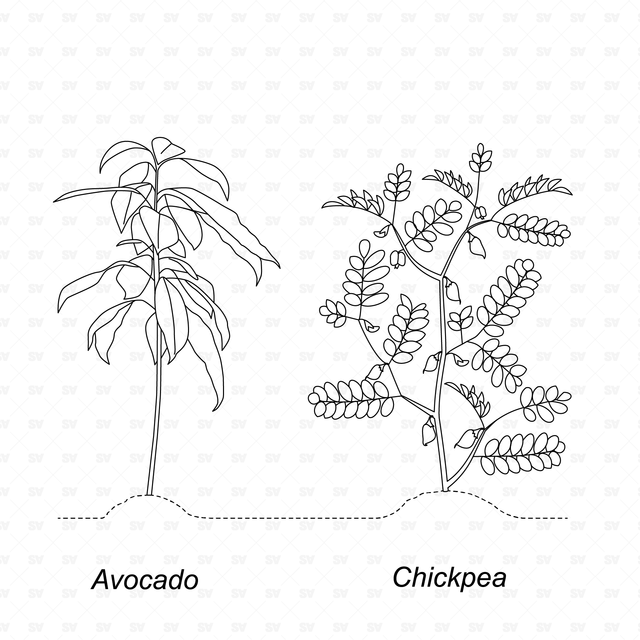
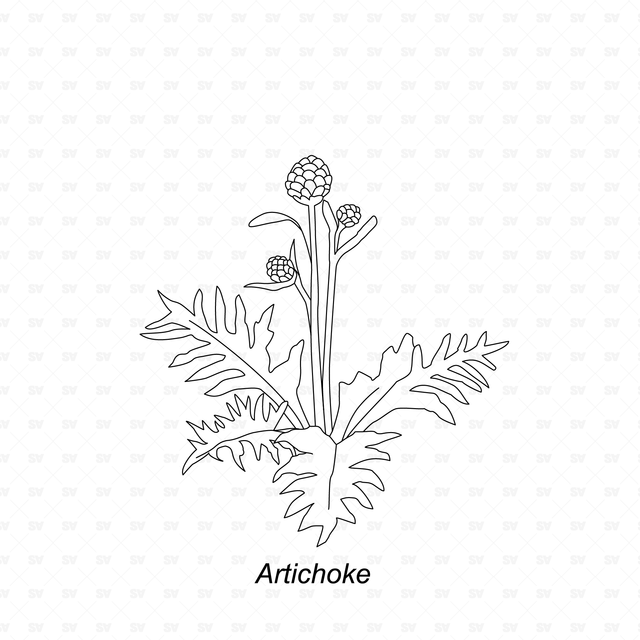
CAD & Vector Vegetable Plants Mega-Pack
CAD & Vector Vegetable Agricultural Plants for Renders, Sections and Elevations
Description:
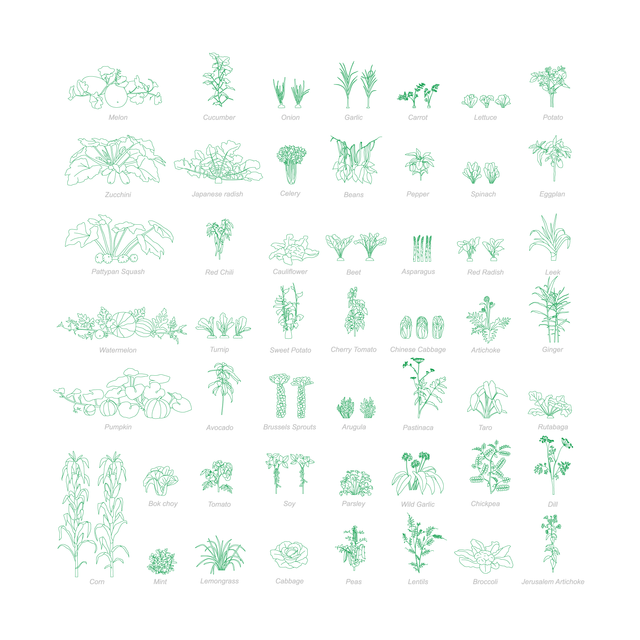
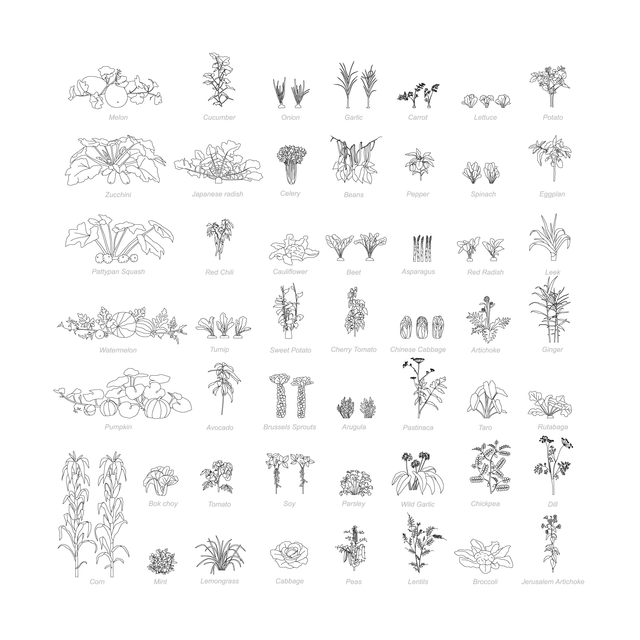
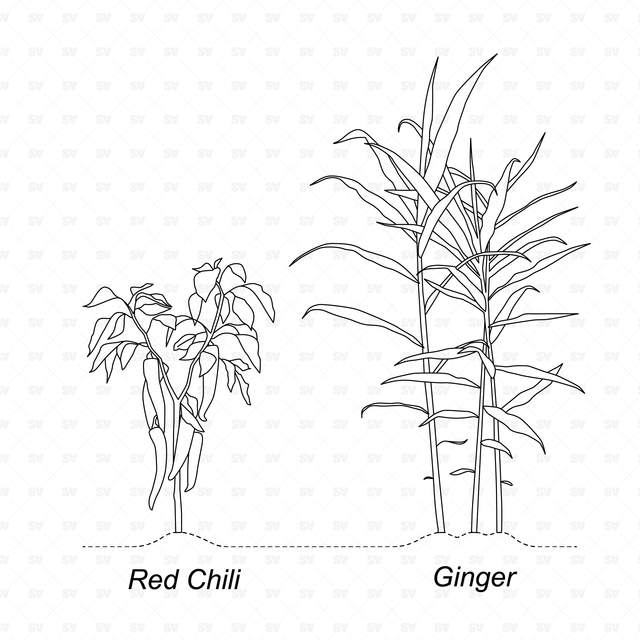
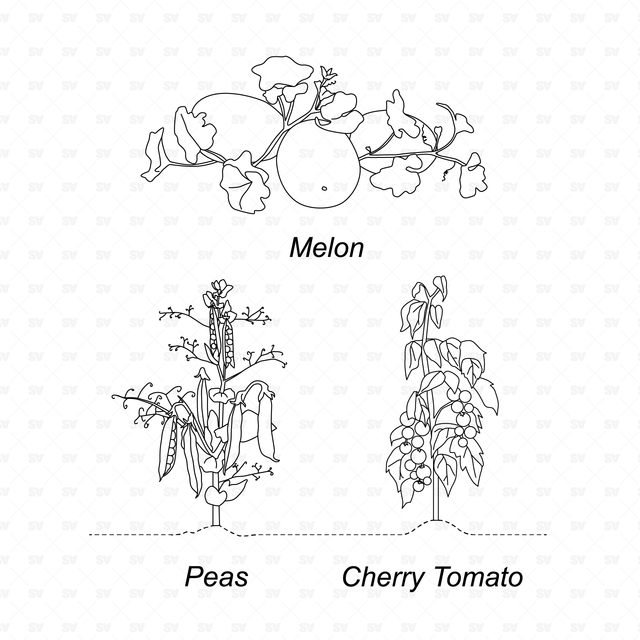
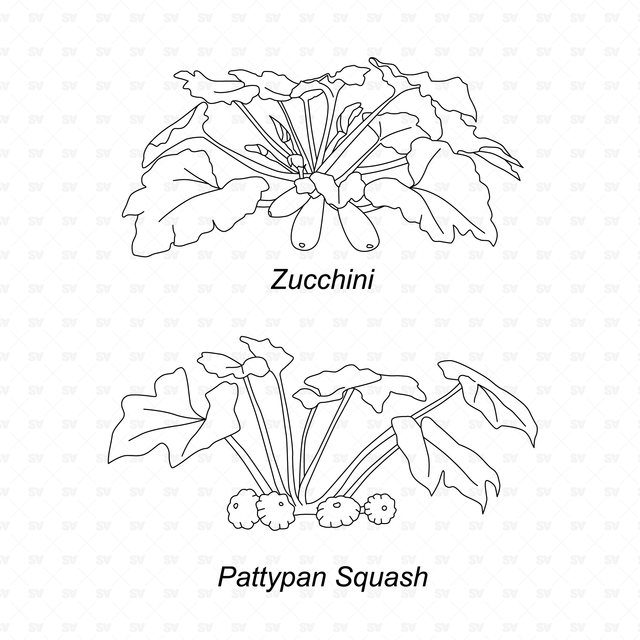
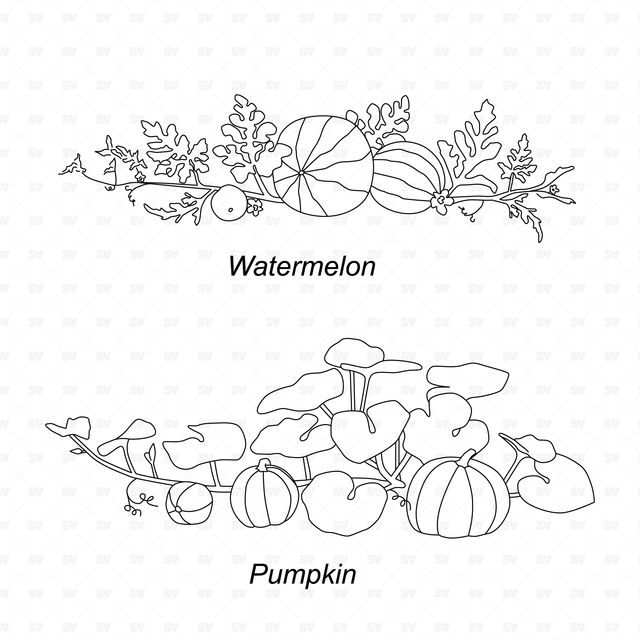
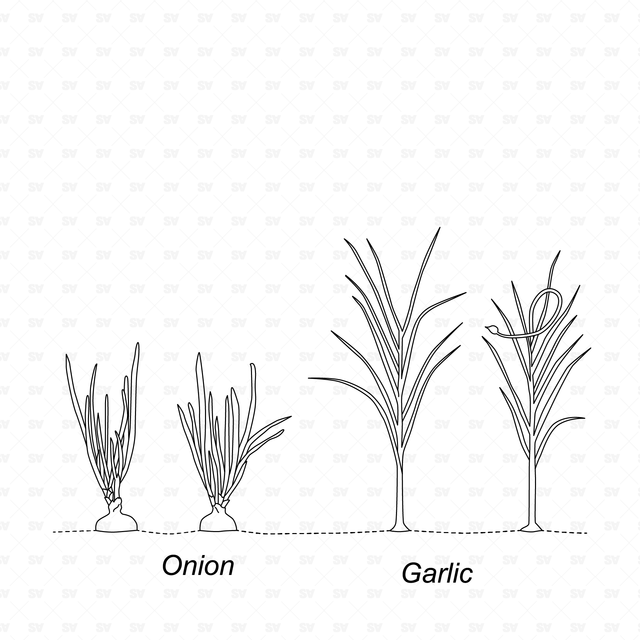
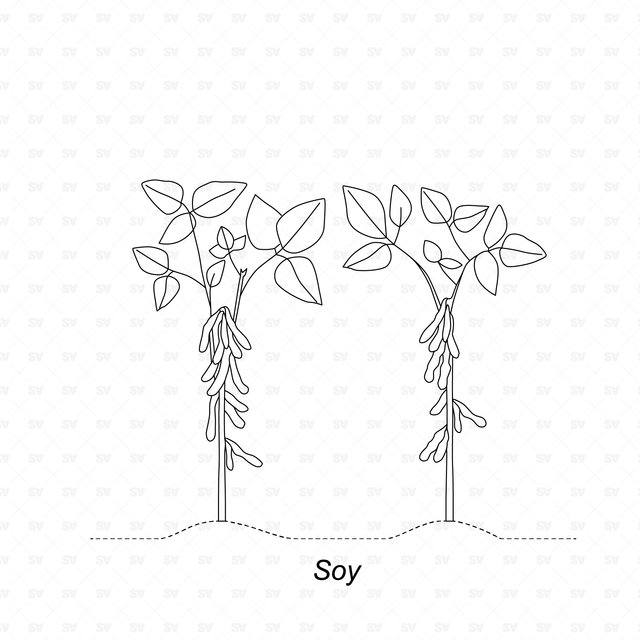
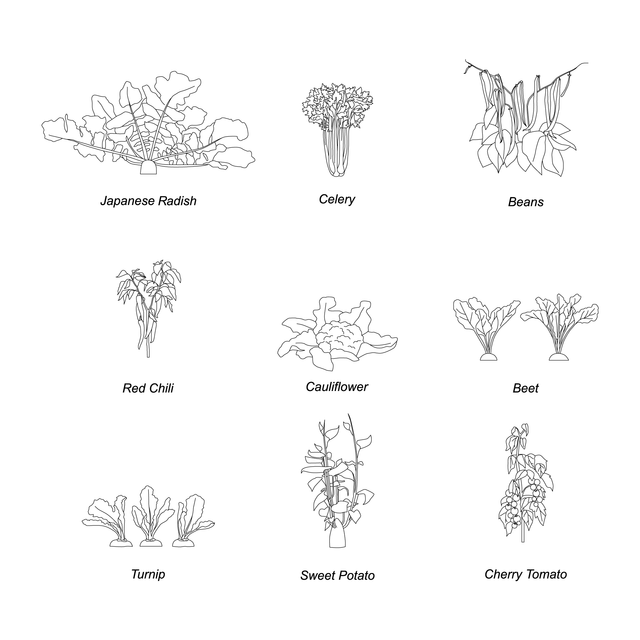
A CAD and Vector mega pack of vegetable and agricultural plant line-art drawings for architectural drawings, landscape projects, renders, sections, elevations, diagrams, and post-digital collages. The set includes 50 editable vegetable, crop, herb, and agricultural plant illustrations, including leafy greens, root vegetables, vines, fruiting plants, legumes, herbs, and garden crops, all shown in clean side and elevation-style view.
Idea and guidance: Studio Alternativi
Illustration: Olena Stasiuk
This set is designed for architects, students, landscape designers, urban designers, agricultural designers, visualizers, competition teams, and post-digital collage creators. It is useful for urban farming projects, community gardens, productive landscapes, school gardens, ecological diagrams, agricultural masterplans, greenhouse projects, garden sections, landscape elevations, food production spaces, and sustainability-focused architectural presentations.
Included Elements:
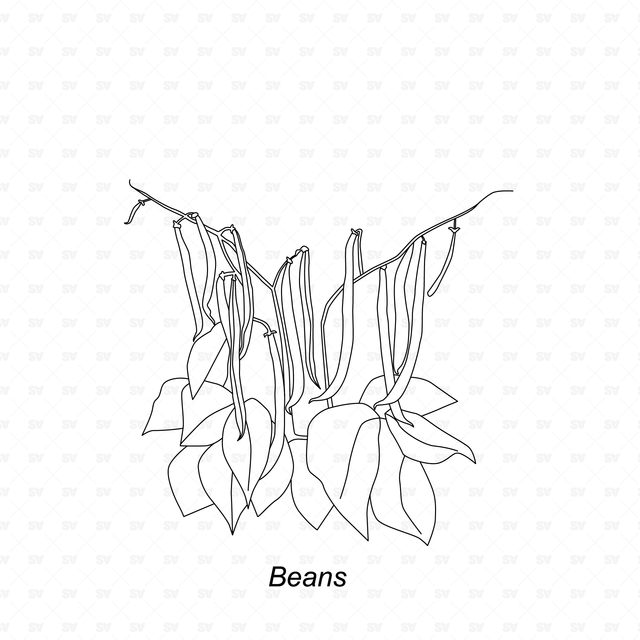
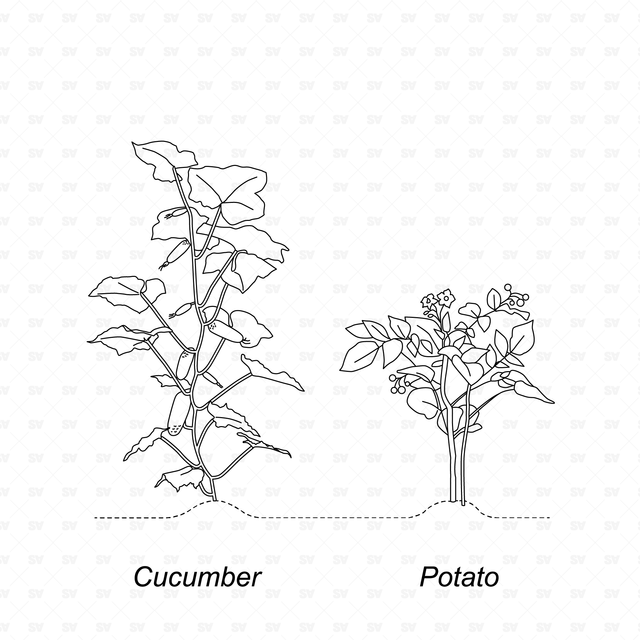
melon, cucumber, onion, garlic, carrot, lettuce, potato, zucchini, Japanese radish, celery, beans, pepper, spinach, eggplant, pattypan squash, red chili, cauliflower, beet, asparagus, red radish, leek, watermelon, turnip, sweet potato, cherry tomato, Chinese cabbage, artichoke, ginger, pumpkin, avocado, Brussels sprouts, arugula, pastinaca, taro, rutabaga, bok choy, tomato, soy, parsley, wild garlic, chickpea, dill, corn, mint, lemongrass, cabbage, peas, lentils, broccoli, Jerusalem artichoke
Use Cases:
architectural drawings, landscape architecture, urban farming design, agricultural design, community gardens, productive landscapes, school gardens, greenhouse design, garden sections, landscape elevations, ecological diagrams, sustainability diagrams, food production masterplans, public-space design, post-digital collages, presentation boards, competition boards, concept diagrams, architectural visualization workflows
Why This Set:
Ready-to-use CAD and Vector plant entourage
Clean linework for architectural and landscape drawings
Useful for adding agriculture, vegetation, food production, and ecological context
Editable DWG and AI files
Great for urban farming, gardens, greenhouses, and productive landscapes
Suitable for technical documents and visual presentations
Strong plant library for sections, elevations, renders, and diagrams
File Format:
AutoCAD .DWG + Illustrator .AI.
Keywords:
CAD Vector vegetable plants, CAD agricultural plants, vector vegetable plants, DWG vegetables, AI vegetables, vegetable CAD blocks, agricultural CAD blocks, farming CAD blocks, urban farming CAD, edible plants vector, garden plants CAD, crop plants vector, vegetable entourage, plant entourage, architectural entourage, landscape architecture plants, urban farming plants, agriculture plants, vegetables for renders, plants for sections, plants for elevations, edible garden design, community garden design, productive landscape, greenhouse design, farming, farmers, beans, crops, herbs, vegetable garden, landscape design, urban design, architectural visualization, post-digital collage
Free Products
Free products can be used in any type of use - both academic and commercial. When using a set, a pack or part of it, you are required to give full credit to Studio Alternativi (with an active link for online versions) and to the product's creator.
When a product is used in a project that is published on social media, you are required to give full credit to Studio Alternativi (with an active tag to Studio Alternativi’s profile).
Educational (Academic) Use
When using a product tagged with “Educational Use” you are allowed to use it for academic purposes only. Giving credit to Studio Alternativi is much appreciated.
Commercial Use
Once bought, you are free to use the product without giving attribution.
What is strictly not allowed to do (in all cases)?
Products can’t be sold without being part of a bigger artwork like a drawing, collage, rendering, poster or any other work combining Studio Alternativi’s digital products with other graphic or digital elements.
Also, you are not allowed to use products from Studio Alternativi in similar or any competing services.
RAR / ZIP Folders
Please use WINRAR - a free software to open the compressed folder.
AI Vector Files
Please use Adobe Illustrator to open the files
ABR (Photoshop Brushes)
1. Open Adobe Photoshop
2. Open the Brushes Panel: Window > Brushes
3. Select Import Brushes
4. Locate the .abr file on your hard drive and click open to install
5. The brushes will appear in your Brushes Panel whenever the Brush Tool is selected